Git for iPad & iPhone
Real Git.
Right on your device.
We don’t tell you how to work — we just keep the history while you do. Sketch on the train, write at the kitchen table, edit in the apps you already own. Every version is safe, on the device, and waiting when you get to the desk.
Start here
Never needed version control before?
You’ve already invented a worse version of it. logo_v2_FINAL_real.ai. A folder called old. A duplicate of the document made before you let anyone else near it.
Ctrl-Z has a floor.
Somewhere below it is Tuesday’s version, the one that was better, and the only reason you still have it is that you thought to make a copy.
Version control is that instinct, done properly. You work exactly as you work now — and whenever something is worth keeping, you say so, and note what you did. Every state the work passed through stays reachable. You can see what changed between any two of them, and go back to any one, without keeping forty copies of anything.
Git is the tool that does this. Software teams have run on it for twenty years — but there is nothing about it that only works for code.
The idea doesn’t wait for your desk.
You sketched it over lunch. You rewrote the third act in a departure lounge. Git on the Go picks it up there — a complete repository on the device, so the history starts where the work does, not where the laptop is.
- Start a repository on the device. No terminal, no laptop, no setup ritual.
- Put it on GitHub without leaving the app — name it, public or private, pushed.
- Already have repositories? Sign in and clone them, private ones included.
- Or keep it device-only and add a remote later, when it’s ready to be seen.
We don’t tell you how to work. We just keep the history while you do.
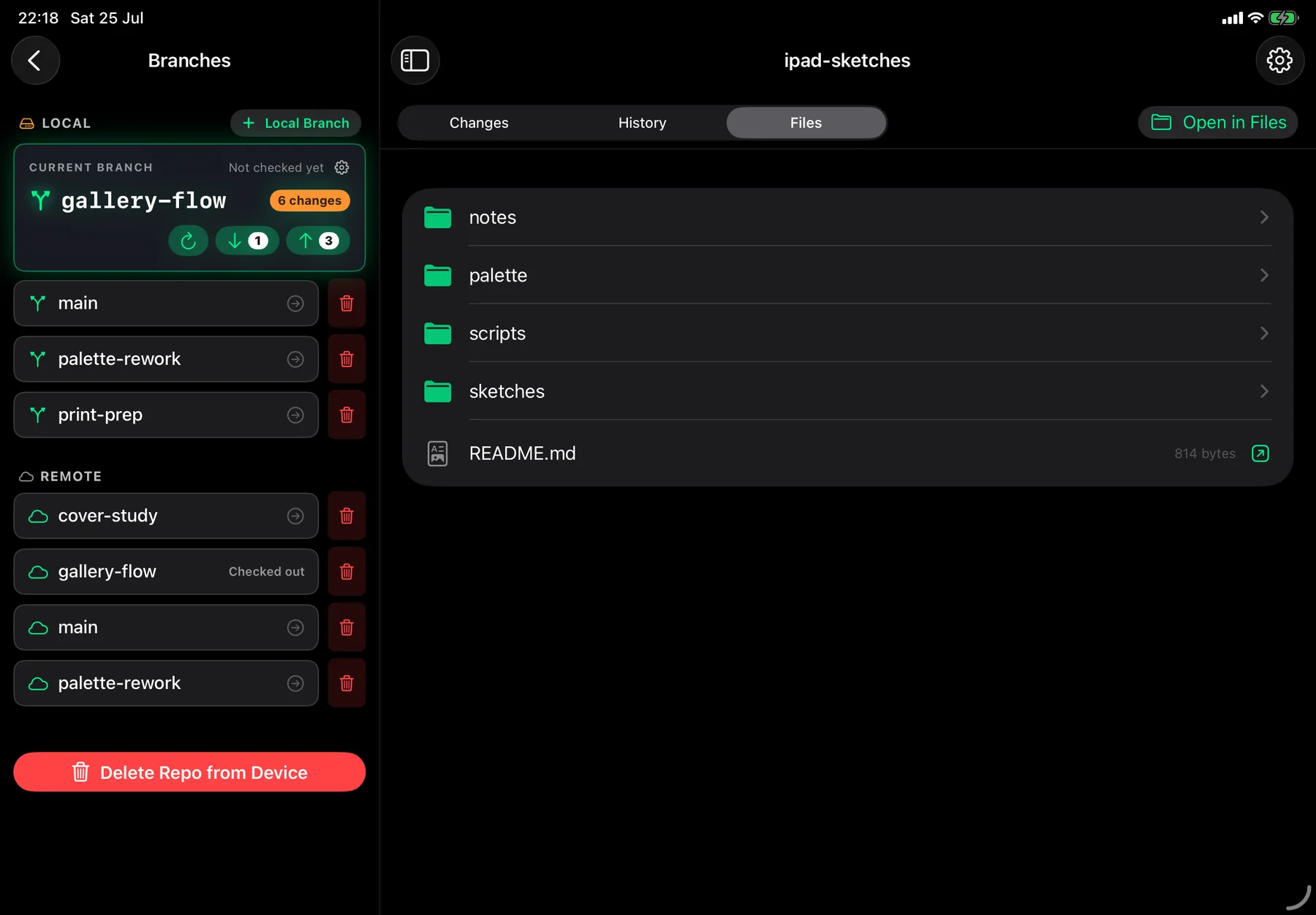
Every repository is an ordinary folder in the Files app, under On My iPad › Git On The Go. Paint in Procreate. Write in whatever you already write in. Drop in the logo set, the reference photos, the third draft. Come back, and the changes are already read and waiting.
- A real folder — reachable from Files, and from any app’s file picker
- Edits made anywhere are picked up the moment you return to the app
- Nothing to import, nothing to export, no editor to learn
- Read-only on purpose. Editing belongs in the app you chose for it, and we’re not about to write a worse one.
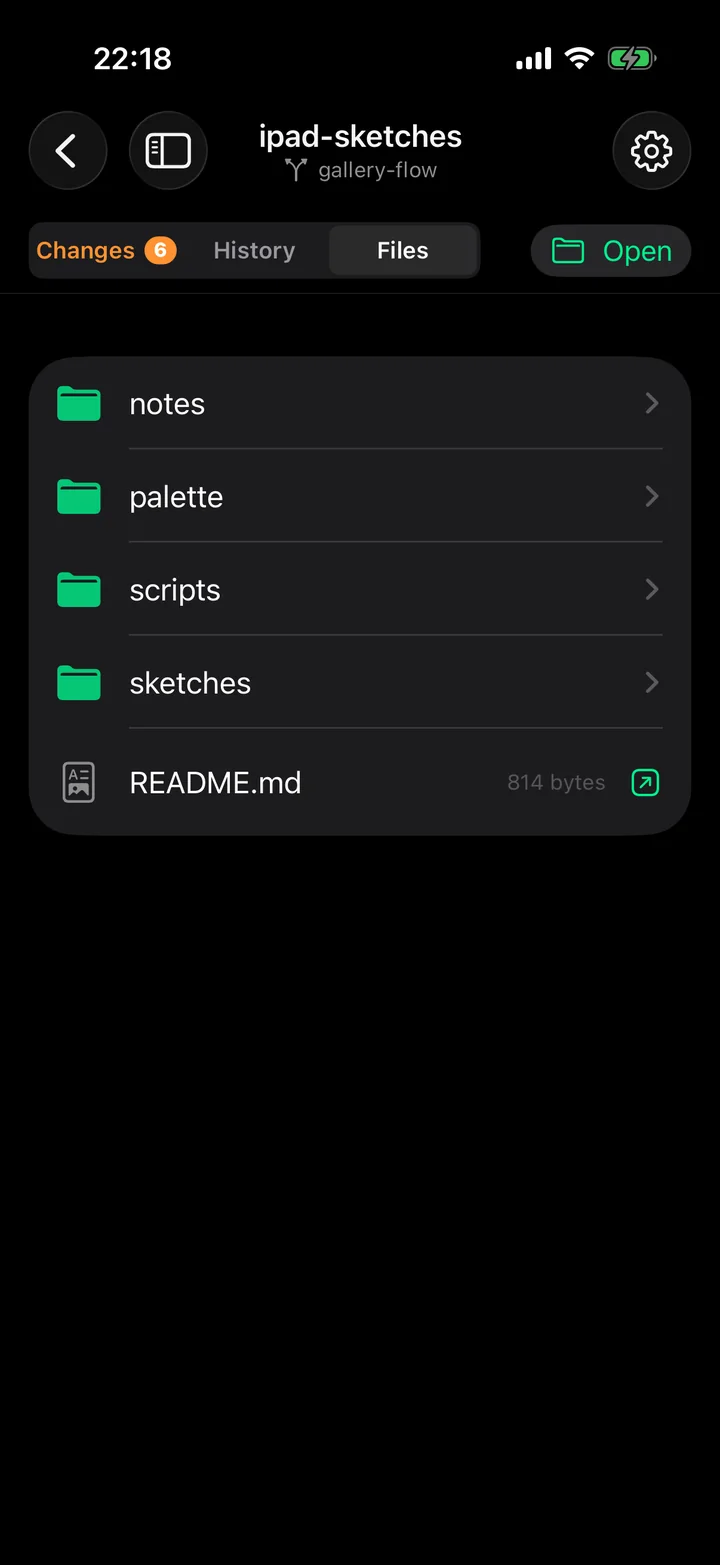
You only meant to change two of them.
You opened four files this morning. You’re fairly sure you only touched two. Git on the Go knows exactly which — and shows you, before any of it is recorded.
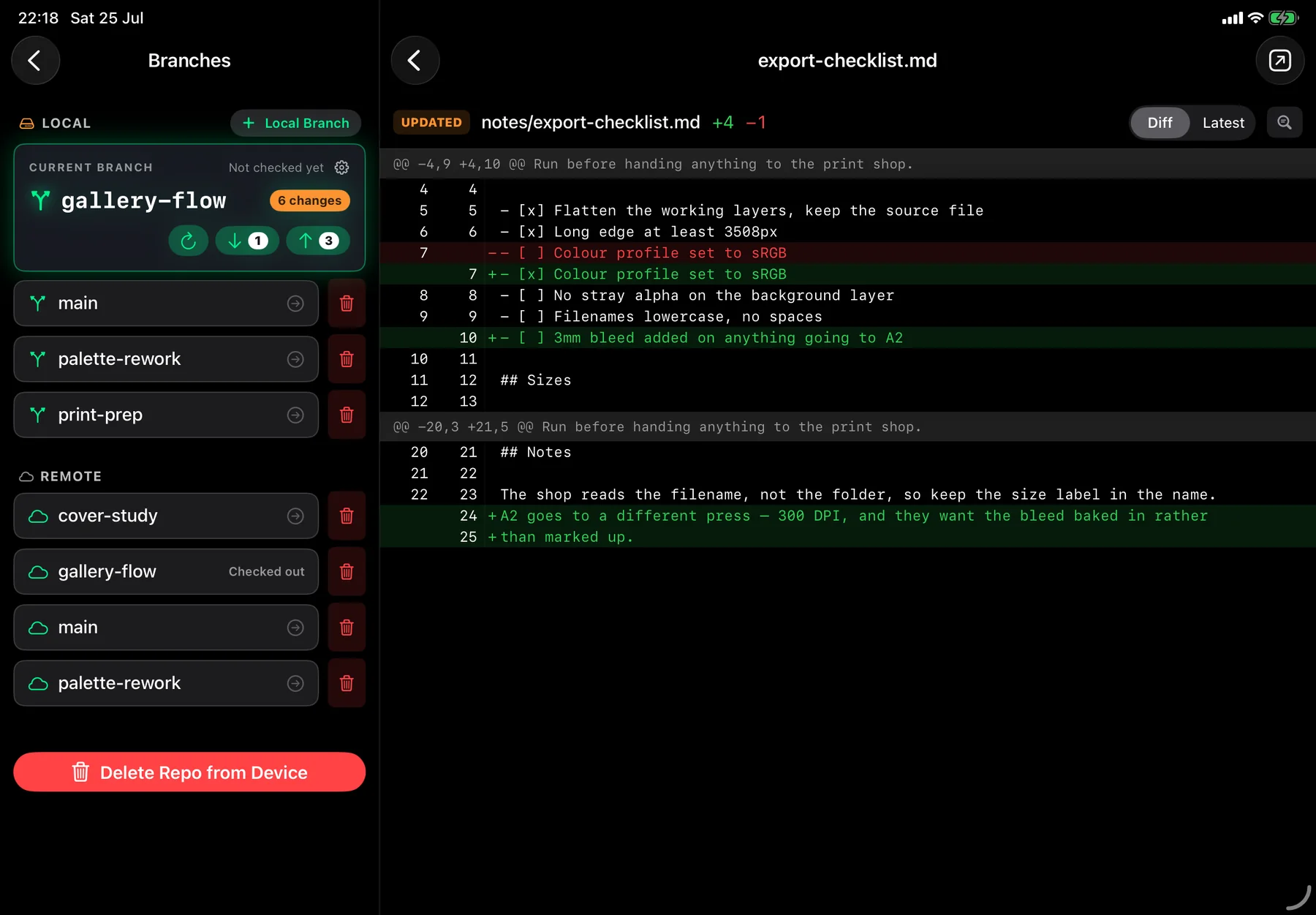
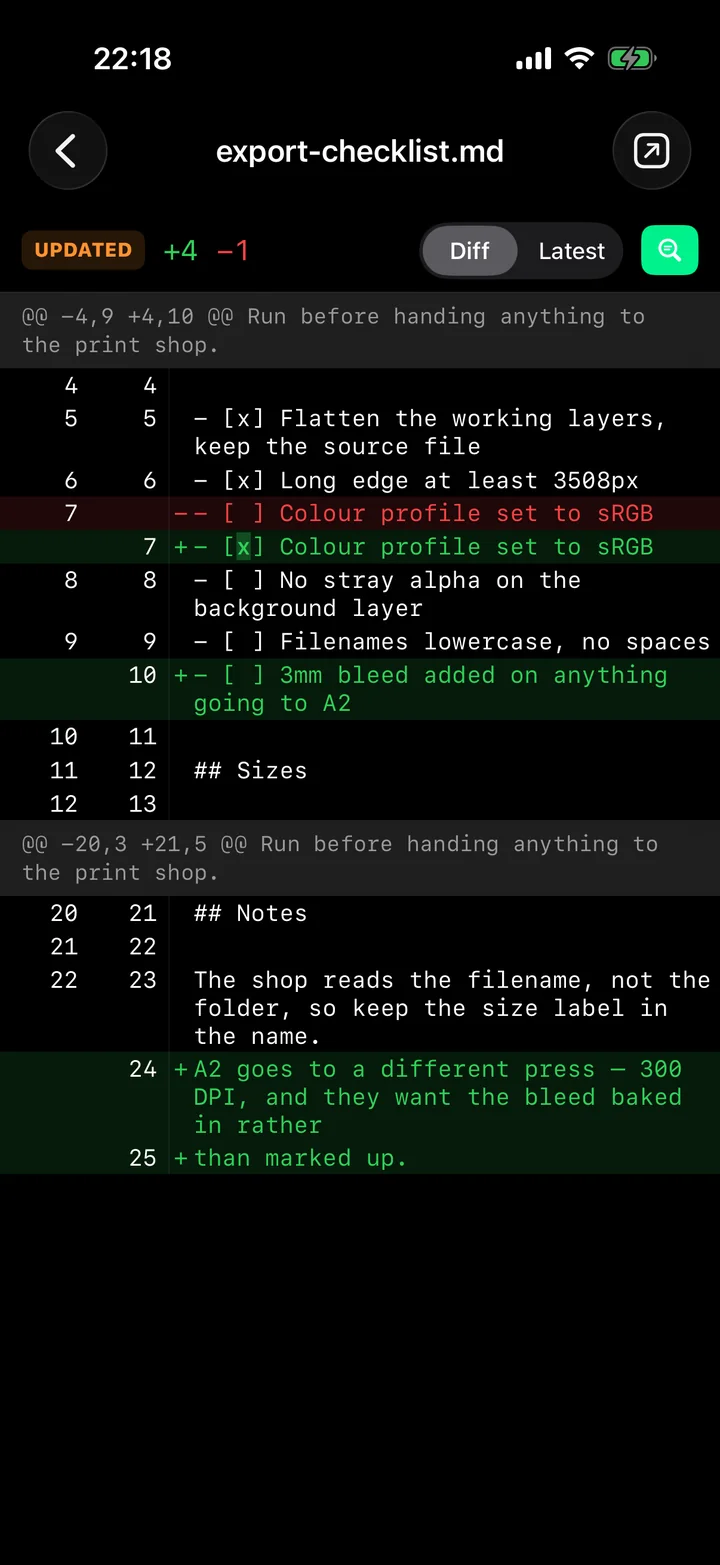
Because a commit isn’t a save. It’s a decision, and you shouldn’t have to make it blind. Every word you added, every line you took out, the paragraph you rewrote — and the one you’d have sworn you left alone.
- It takes you straight to what moved. Not the whole document to scroll through — just the parts that changed, with a few lines either side so you know where you are.
- What you added, what you removed, and the untouched lines sitting plainly between them
- Several edits in one file? They’re listed in order, each one signposted as you scroll past it.
- Rewrote a sentence, not a paragraph? Turn on word highlighting and only the words that actually changed light up.
- Or switch to Latest and read the finished file straight through, with the new work marked where it sits.
- And when it’s something the app can’t draw for you, it says so plainly: what the file was, what it is now. No silence, no guessing.
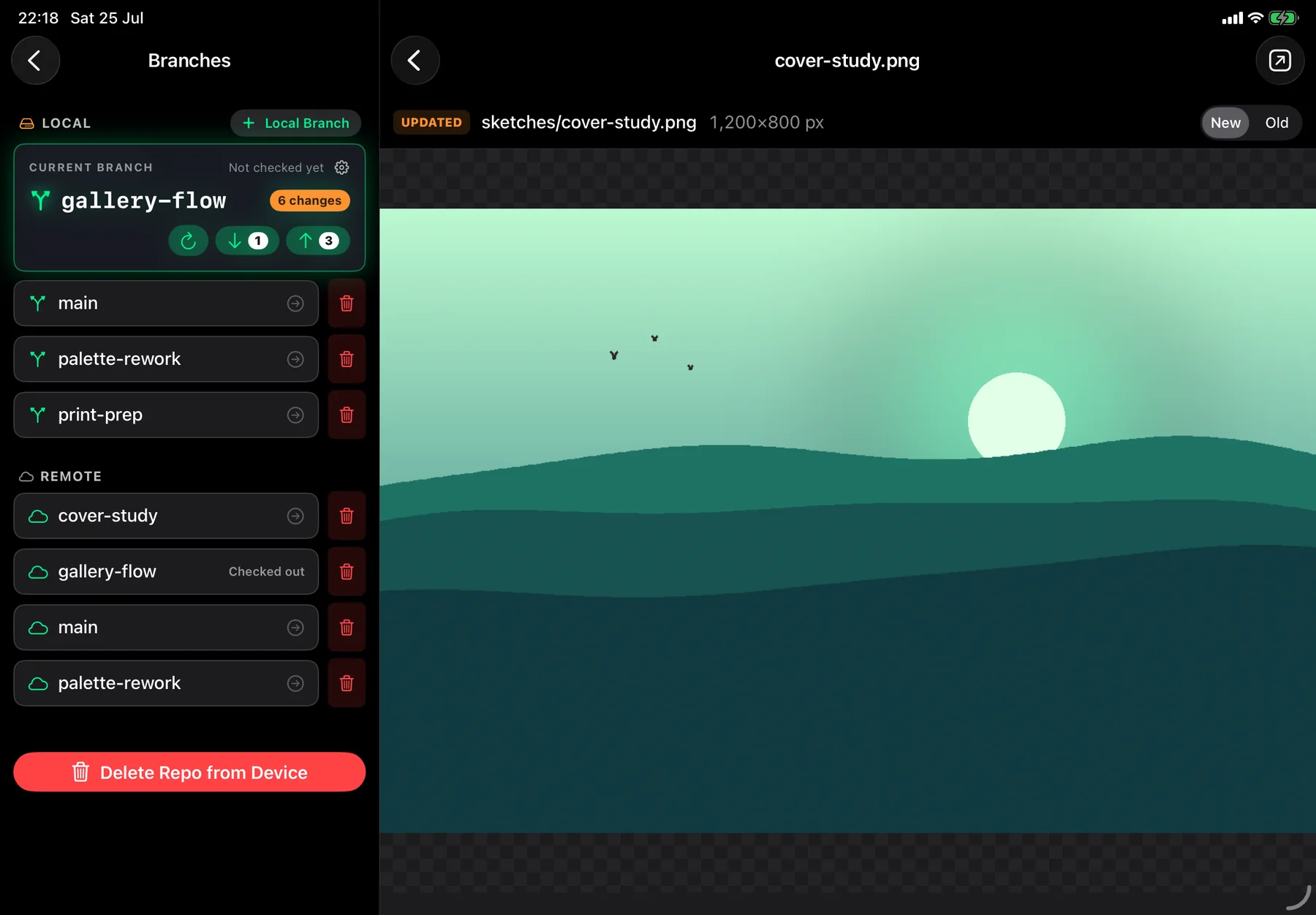
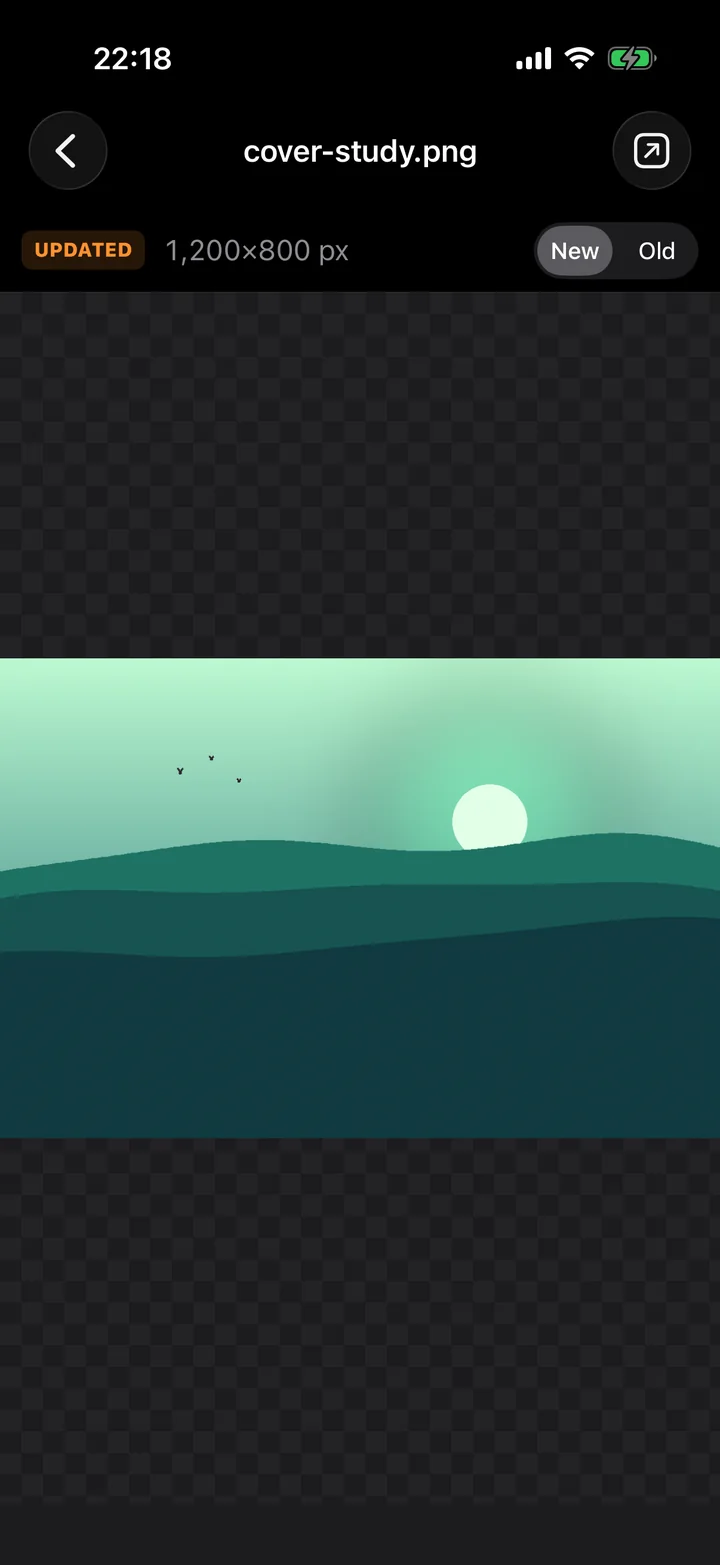
Pictures too.
Tap between the new version and the old one at full size — transparency and all — and pinch in close when the difference is a single stray pixel.
The whole story, with your popcorn.
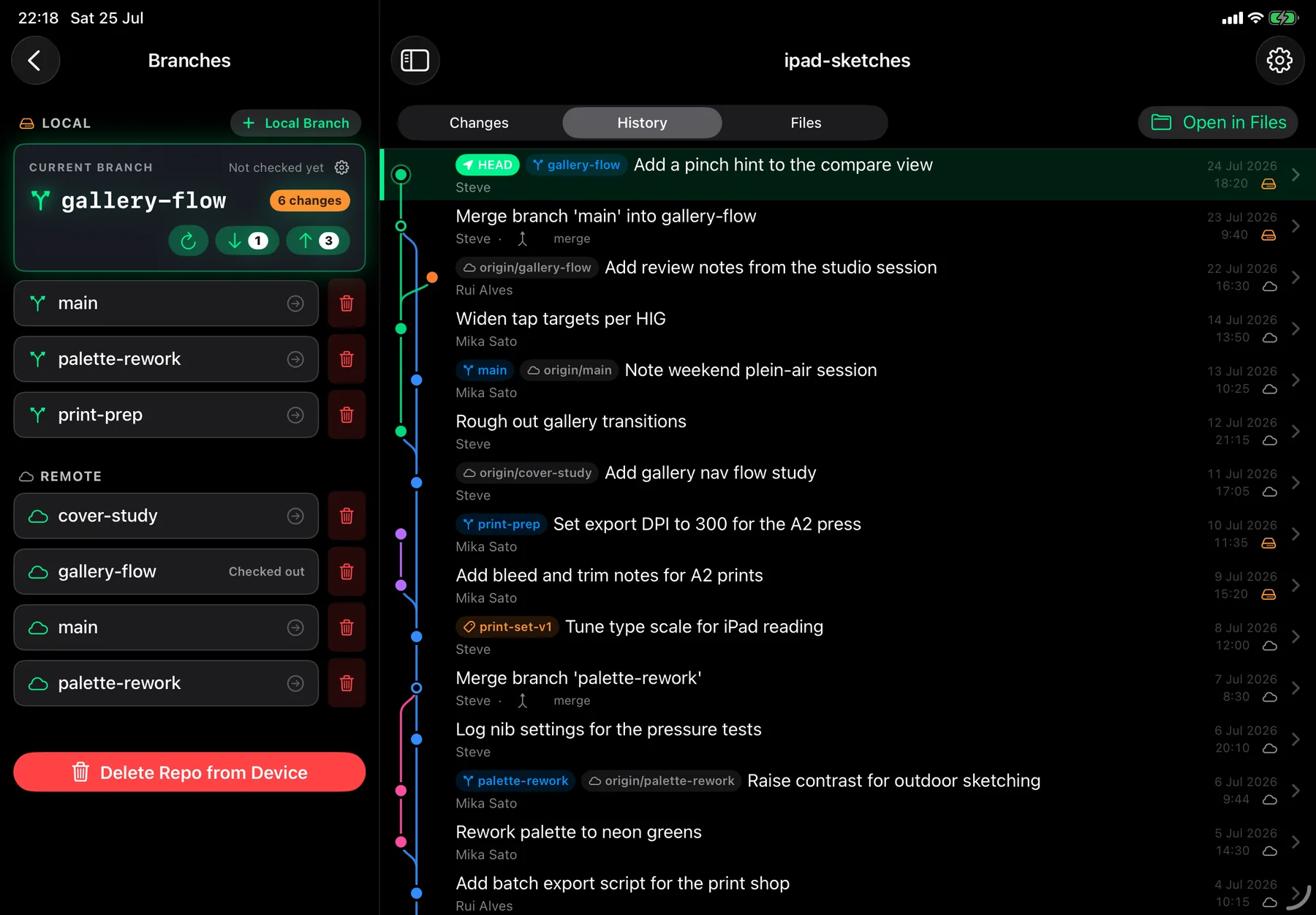
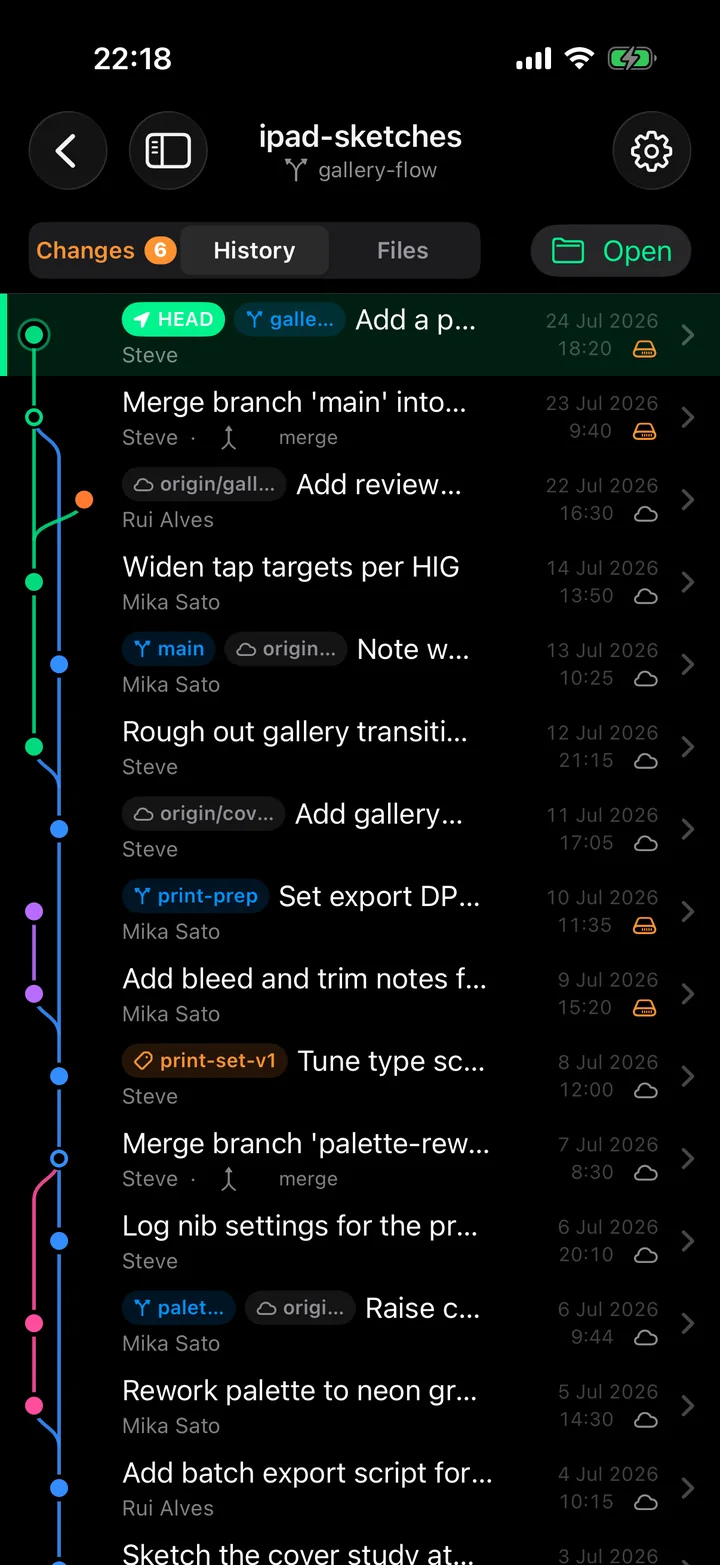
One contributor or a team of twelve, the graph shows how the work actually happened — who branched, what merged, where you are right now. It reads like a timeline, not a terminal.
- Every branch gets its own lane; forks and merges are drawn as real curves
- Tap a commit for its message, its author, and everything it changed — then open any of it
- A cloud on the commits that are safely on GitHub, a drive on the ones only this device has
- Branch names and tags ride along on the commits that carry them
Easy to commit. Hard to lose.
Committing is two taps. Everything that could cost you work takes more than two, deliberately — and says why in plain words rather than an error code.
- Tick the changes that belong together, write the message, commit. Nothing goes in that you didn’t choose.
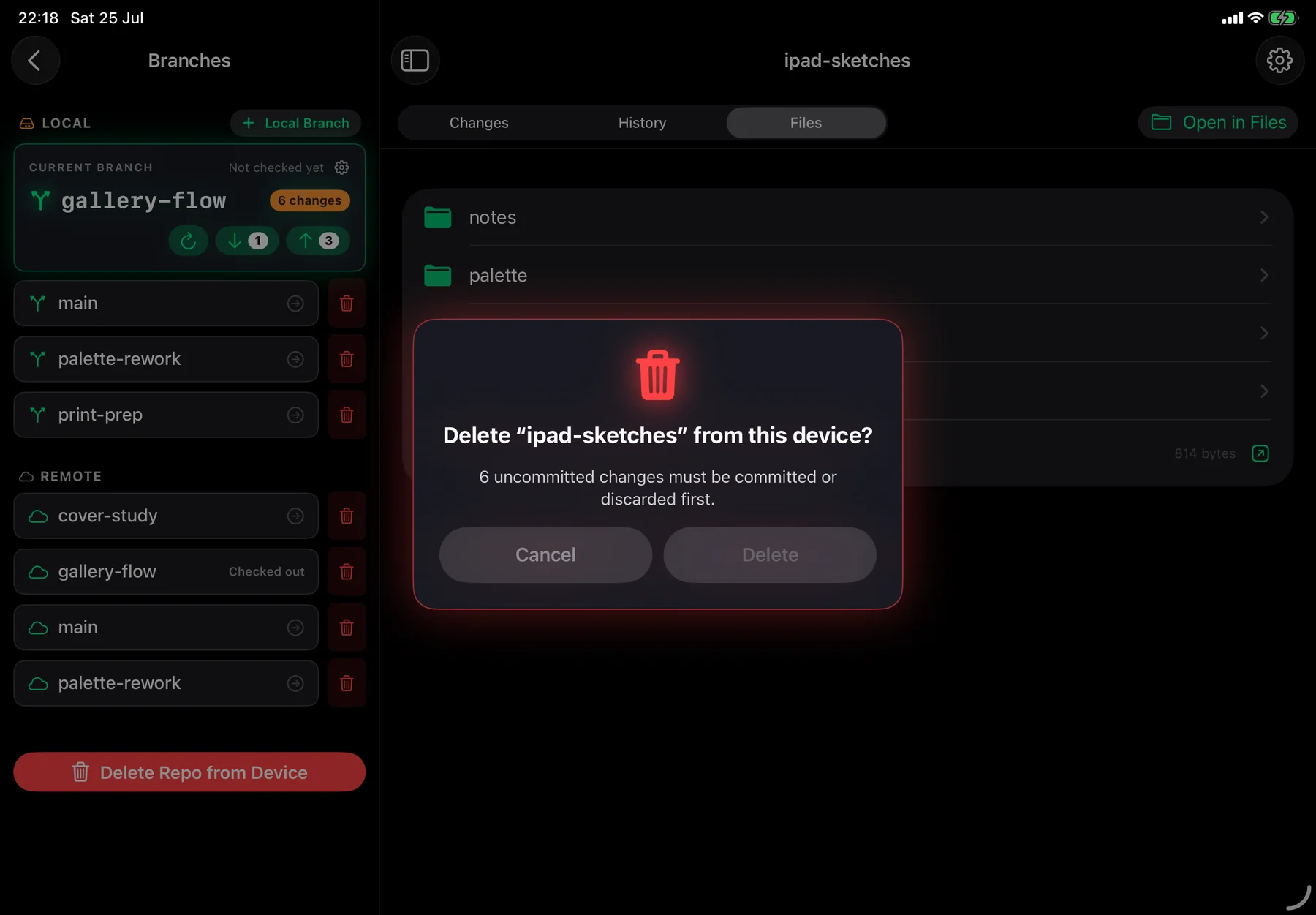
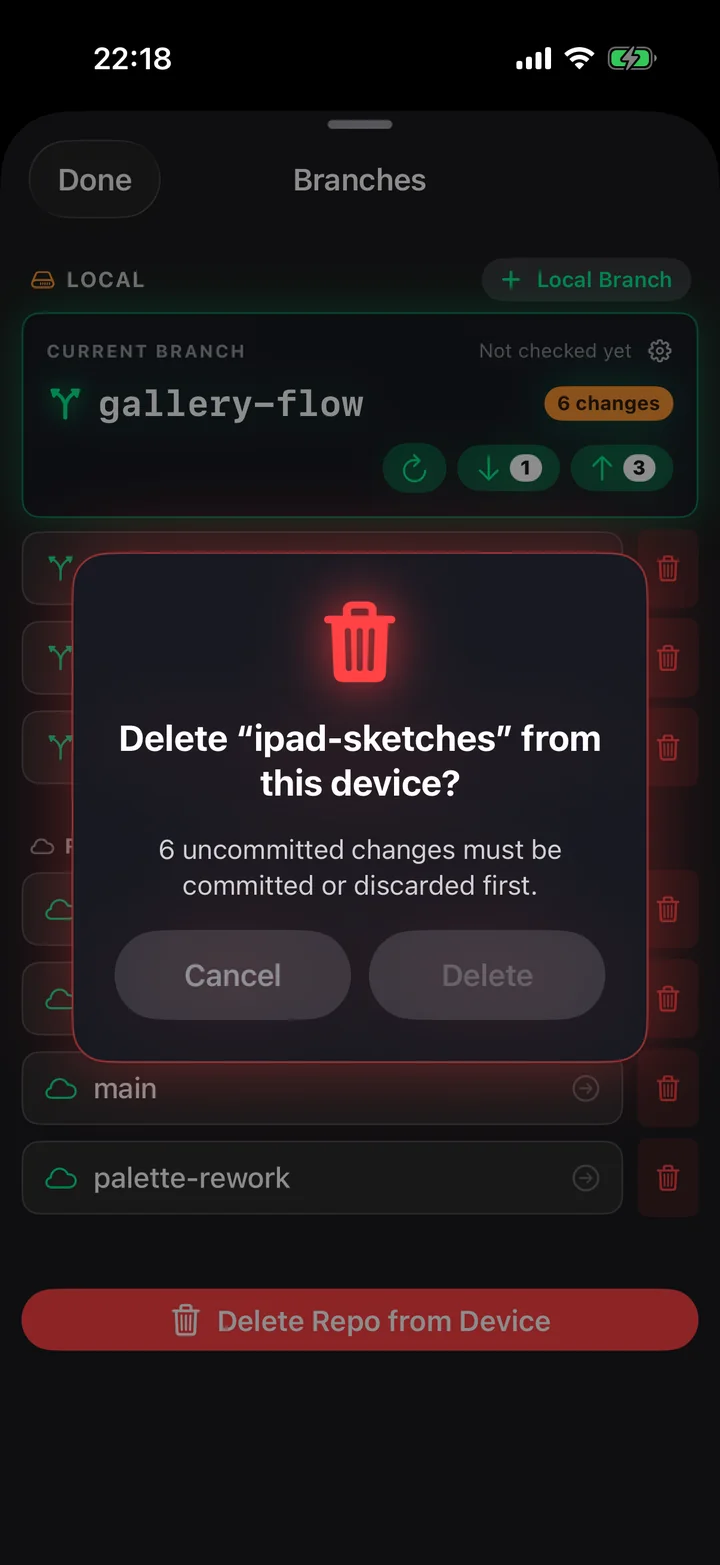
- Deleting a repository with uncommitted work is refused outright, with the count spelled out
- Discard tells you what reverts and what disappears — before you tap it
- Switching branches carries your uncommitted work across, and stops if anything would be overwritten
- Deleting a remote branch costs two dialogs and a typed confirmation
- Git’s own database lives outside the Files app, where a stray swipe can’t reach it
The rest of it
Everything else that’s in the box
- Works up a mountain*
- Everything but talking to GitHub happens on the device. Commit, branch, switch, read the full history and see every change in a tunnel, on a plane, or with aeroplane mode on for the peace.
- Branches, remotes, in and out
- Create, switch and delete branches. Live ahead / behind counts. Fetch, pull and push from one bar. Feature branches on a phone, if that’s the mood.
- Built around GitHub — for now
- Sign in once on GitHub’s own page: search, clone, push, public and private, several accounts at once. Any public repository can be cloned whoever hosts it. Full sign-in for GitLab, Bitbucket and self-hosted servers is coming soon, and included when it lands.
- Git LFS, all the way through
- Large files are first class as of 1.4. Repositories using LFS are recognised on clone, pointers are shown for the files they stand in for — with the real size, not 130 bytes — and content is fetched when you ask for it. Commit a big file and it goes up as content and lands as a pointer, the way every other client expects. See how it works →
- One app, both devices
- iPad and iPhone, same features. The iPad lays it out in two panes; the iPhone folds it into one column and badges what’s pending.
- Proper diffs underneath
- Line-by-line, hunked, with separate old and new line-number gutters and sticky @@ headers. It’s a real diff engine; it just doesn’t make you look at it that way.
* Large files are the one exception. LFS content lives on the server until you fetch it, so a file you’ve never opened needs signal the first time — and only the first time. Once it’s down it stays down: it’s on the device, offline, like everything else. You can see what the cache is holding, and free it, per repository. More on how LFS works →
Both appearances
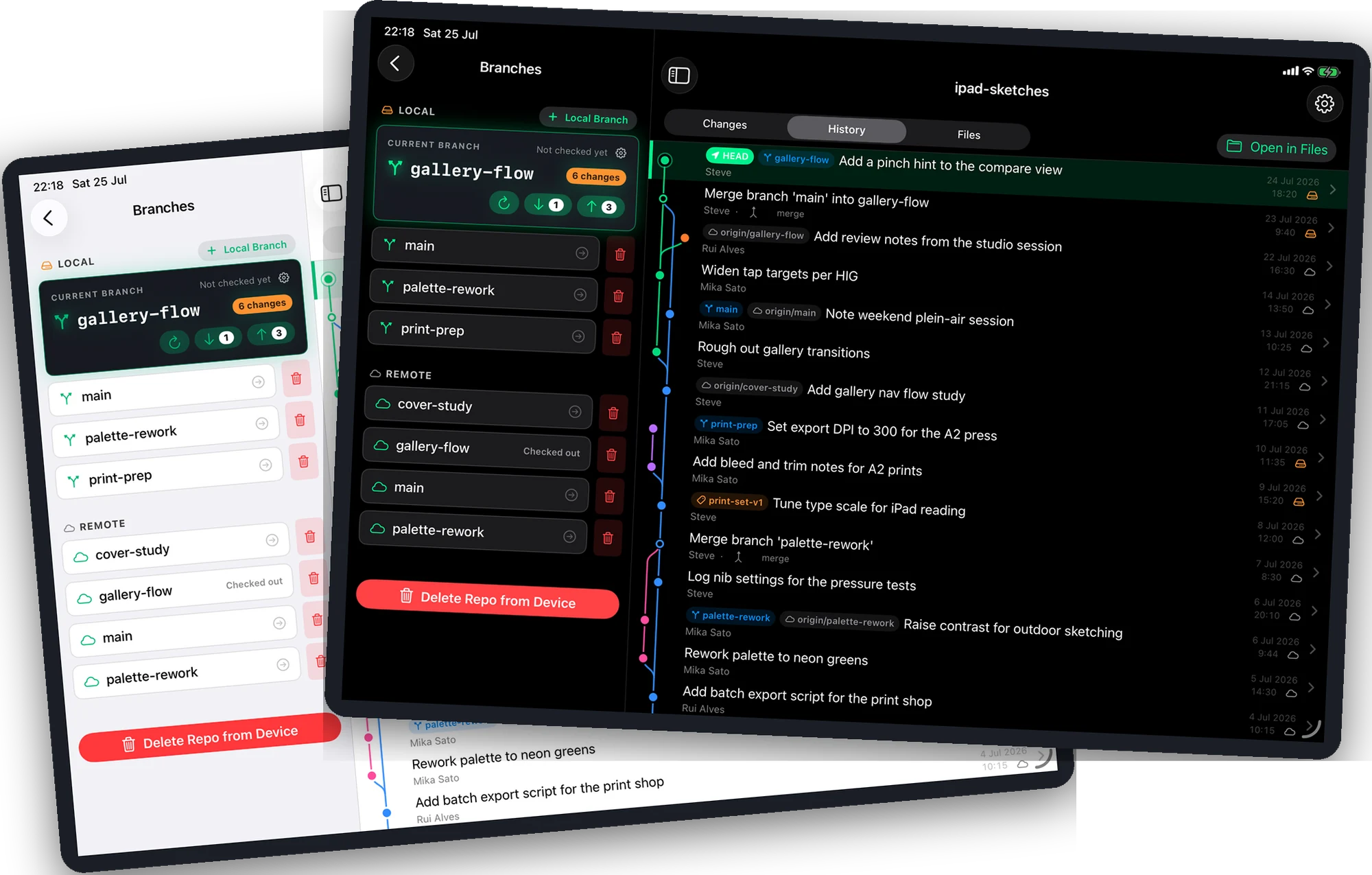
Light and dark, properly.
Not a tinted dark mode — the same care in both, because a bright studio at noon and a dark room at midnight are the same job.
What’s next
Already on the road
Everything above works today. Here’s what’s coming next — told straight, so you know exactly what you’re buying into and exactly where it’s going. Things that land stay on this list, marked, because a roadmap is only worth reading if you can see what came of the last one.
Full Git LFS
Promised here from day one, and done: fetch on demand, upload on push, real sizes on pointers, and a cache you control. See what shipped →
Merging, and conflicts you can actually resolve
Today, pull is fast-forward only: if your branch has diverged, the app tells you plainly rather than guessing, and asks you to finish that one on a computer. A full merge, with a conflict view built for a touchscreen instead of ported from one, is the biggest thing on the list.
Staging by the line
You choose which files go into a commit today. Choosing which lines — and amending the last commit when you spot the typo two seconds later — is next.
The rest of the hosts
GitHub today, with GitLab, Bitbucket and self-hosted servers coming soon, and SSH keys along with them.
Deeper history
The graph reaches back 400 commits for now. Further, and searchable, is coming.
Stash, cherry-pick and tagging
The next tier of everyday Git, once the essentials are exactly right.
Every one of these is automatically yours. One purchase, no subscription — more below.
Your code stays yours
Git on the Go is a client, not a service. There’s no account with us, because there’s no us on the other end.
Device ↔ GitHub only
Every request goes straight to GitHub. Nothing is proxied, mirrored or “synced” through us.
No analytics
No trackers, no crash reporters, no fingerprinting. The app doesn’t phone home; it doesn’t even know your name.
Keychain-kept, Face ID-locked
Your token is Keychain-encrypted: never exposed to unwanted attention, but there on your devices when it’s needed, so signing in on the iPad signs you in on the iPhone. Your repositories sit behind an optional Face ID lock. Highly recommended.
Your email stays private
Commits are authored with your GitHub noreply address, so your real email never ends up in a public repository.
Git on the Go asks GitHub only for the access it needs to list, clone and push your repositories. Full details in the privacy policy.
Questions
Fair asks
Do I need to know Git already?
No. If you’ve ever kept a folder called old, you already understand the idea — the app handles the vocabulary. And if you do know Git, it’s the real thing underneath: standard repositories, nothing proprietary, nothing you can’t pick up on a laptop later.
Does it really work offline?
Yes. The engine is on the device, so committing, branching, switching, reading history and seeing your changes all work with no connection at all. You only need the network to clone, fetch, pull and push.
Can I use it with private repositories?
Yes. Sign in with “Continue with GitHub” — GitHub’s own login page, so saved passwords and passkeys work — and your private repositories become searchable, cloneable and pushable. You can be signed into several accounts at once.
Where do my files actually live?
On your device, in the Files app, under On My iPad › Git On The Go. They’re ordinary files in an ordinary folder. Git’s own database is kept separately inside the app, so an accidental swipe in Files can’t corrupt the repository.
What if I already use Git on my computer?
Then nothing here is new to you except where you’re sitting. Clone the same repositories, commit, push, and carry on at your desk as though you’d never left it.
Git, wherever you’re parked.
Buy it once. One purchase. No subscription, no account with us, nothing held back for a tier you find out about later. Updates included.
in internal testing — launching soon